

Command: Native name
Contents
Guidelines > Character Information > Native name
Main Info
|Native name command is the 1st command under the character's Character Information section.
Command | |Native name |
|---|---|
Meaning: | character’s name written in the native language |
Note: | Do not use this command for Filipino characters, or for any other character whose name is originally spelled using the Latin alphabet. |
Options: | kanji / hiragana / katakana / hangul / abugida / sanskrit / etc. |
Examples
Click on the image to open it in full view.
Regular Title
Standard Title | |
|---|---|
 | After uploading the character's image, click on the "Edit" button found in the Infobox section. |
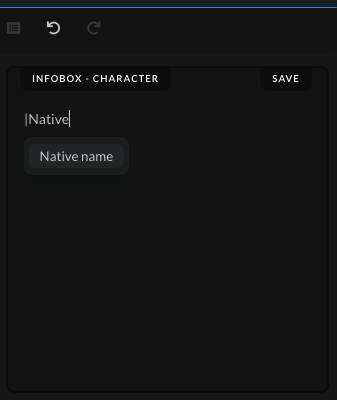 | Type the command | and start writing the command name, "Native name". Don't write out the whole name of the command, as it won't work properly when you press Enter. Write out only "Native" and then click the command from the drop-down list to save the command. |
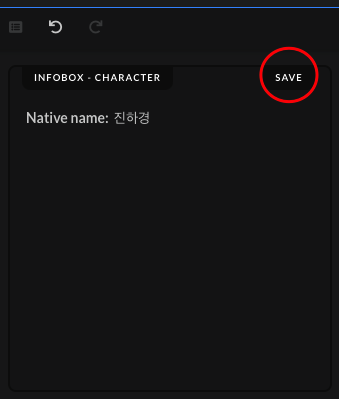 | Write out the character's native name, using the style as shown in the options given above. Afterwards, click on the "Save" button after you've added the character's native name. |
 | When the submission gets accepted, the native name in the character's page should show up in the "Character Information" section. |
Special Cases Titles
Chinese/Hong Kong/Taiwanese Titles | |
|---|---|
Used: | When the character is Chinese/Hong Kongese/Taiwanese and uses hanzi as their native name |
How to: | Add and separate both writings (simplified and traditional) in a separate row, using bullet points. Use these two sites to get both writings: |
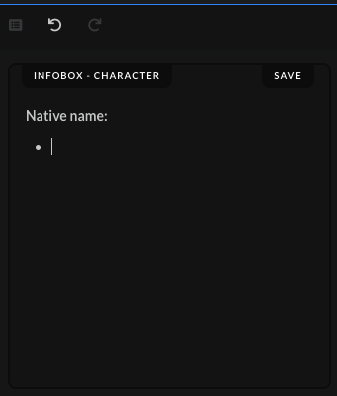 |
Press Enter on your keyboard to go to the next line, and then right after press also Tab to add the bullet point. |
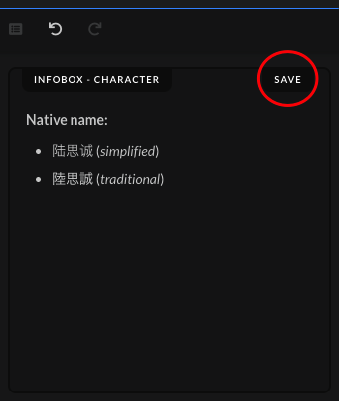 | Write out in each separate row the simplified and the traditional writing, and write out in parentheses, which one is which. Afterwards, click on the "Save" button after you've added the character's native name. |
 | When the submission gets accepted, the native name in the character's page should show up in the "Character Information" section. |
Japanese Titles | |
|---|---|
Used: | When the character is Japanese and uses kanji/katakana/hiragana as their native name |
How to: | Whenever possible add and separate both writings (kanji and hiragana) in a separate row, using bullet points. If the native name uses katakana, then also add both writings (katakana and hiragana). If the character's native name written in hiragana is not available on any official native site, use this site to get the hiragana writing: |
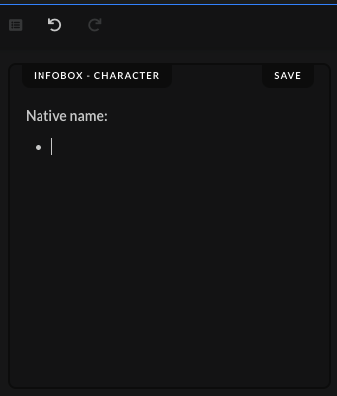 | Press Enter on your keyboard to go to the next line, and then right after press also Tab to add the bullet point. |
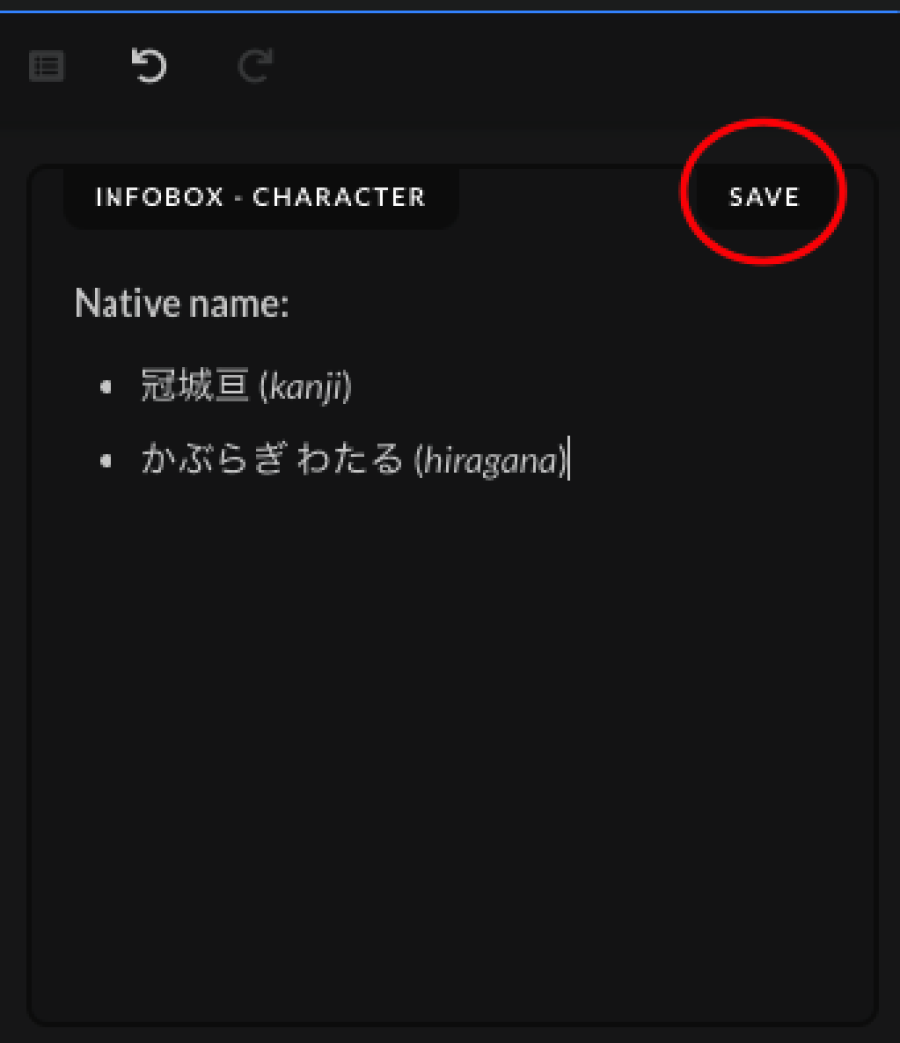 | Write out in each separate row the kanji and the hiragana writing, and write out in parentheses, which one is which. Afterwards, click on the "Save" button after you've added the character's native name. |
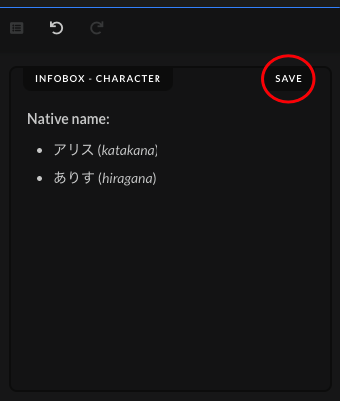 | Write out in each separate row the katakana and the hiragana writing, and write out in parentheses, which one is which. Afterwards, click on the "Save" button after you've added the character's native name. |
 | When the submission gets accepted, the native name in the character's page should show up in the "Character Information" section. |
 |


