

Profile Image Guidelines for People
Contents
- 1.General Principles
- 2.Recommended Crop
- 3.Technical Requirements
- 4.Preferred Images
- 5.Images That Should Not Be Used
- 5.1Full-Body Images
- 5.2Extreme Close-Ups
- 5.3Obstructed Faces
- 5.4Side Profiles and Extreme Angles
- 5.5Black-and-White Images
- 5.6Landscape-Oriented Images
- 5.7Low-Quality Images
- 5.8Images with Borders
- 5.9Circular Crops
- 5.10Crowded or Distracting Backgrounds
- 5.11Images with Watermarks or Text
- 5.12Body-Focused Images
- 5.13AI-Generated or Heavily Manipulated Images
- 6.Reasons to Replace an Existing Profile Image
- 7.Exceptions and Alternative Images
- 8.When to Use the Default Profile Image
General Principles
Profile images should help users quickly recognize a person across the database, including on profile pages, cast lists, search results, and lists.
Profile images are selected based on image quality, recognizability, and suitability for the database layout. Personal preferences regarding hairstyle, clothing, makeup, pose, attractiveness, or fashion style are not valid reasons for changing a profile image.
Official agency photos, management photos, or social media profile pictures are not automatically preferred. Any image may be used if it better meets the profile image requirements.
Recent images are generally preferred when they accurately represent the person's current appearance and meet all image quality standards.
Recommended Crop
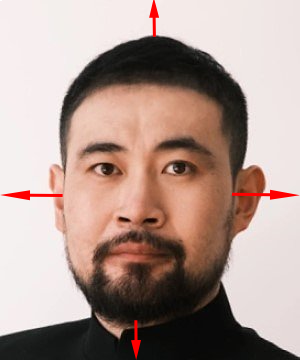
Profile images should follow the recommended crop template whenever possible.

|
The template is intended to help users create a consistent crop across the database.
When cropping:
Use a portrait-oriented image.
Keep the face centered within the frame.
Align the eyes within the eye guide area of the template.
Leave sufficient space above the hair and below the chin.
Ensure the entire head remains visible whenever possible.
The image should remain clearly recognizable when displayed as a small thumbnail.
The example below demonstrates a successful crop.
|
Please refer to this guide on how to crop profile images using the MDL template (Photopea Guide)
Technical Requirements
Profile images should:
Be at least 300 × 360 pixels.
Use a portrait orientation.
Be sharp, clear, and in focus.
Be properly exposed and easy to see.
Be free of visible watermarks.
Be free of borders or decorative frames.
Clearly show the person's face.
Remain recognizable when displayed as a thumbnail.
Preferred Images
Preferred profile images:
Focus primarily on the face.
Show the head and upper shoulders.
Clearly display the person's facial features.
Use a clean or non-distracting background.
Show the person's current appearance whenever possible.
Display the face from a frontal or near-frontal angle.
Images That Should Not Be Used
The following types of images should generally not be used as profile images:
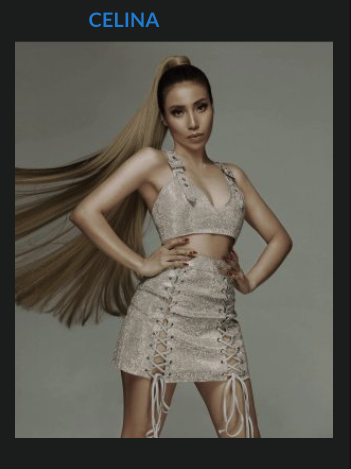
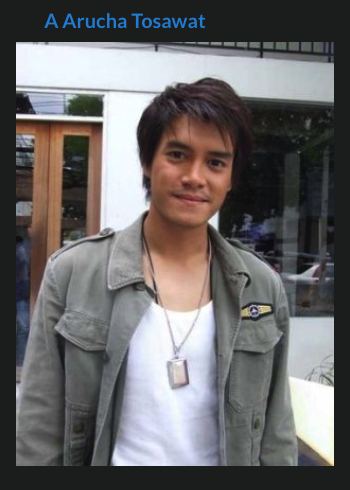
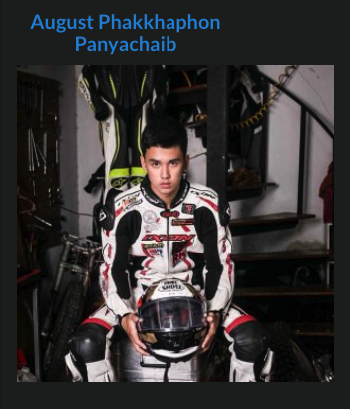
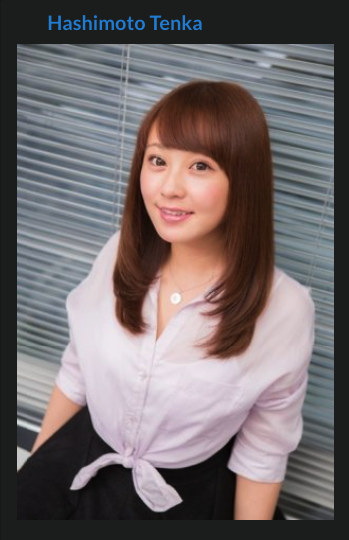
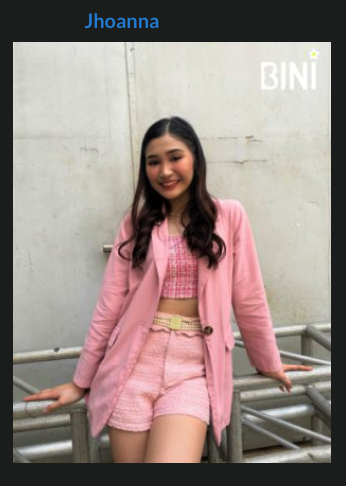
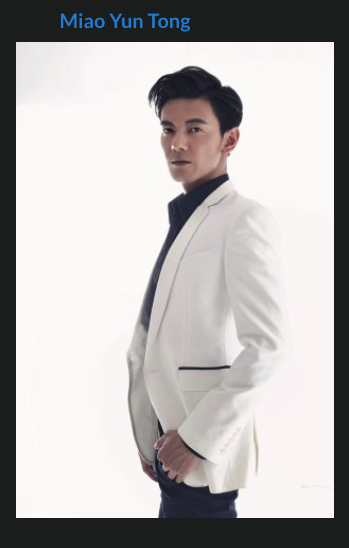
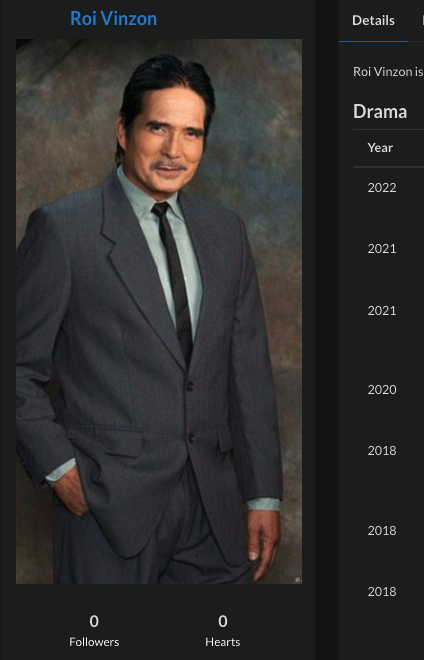
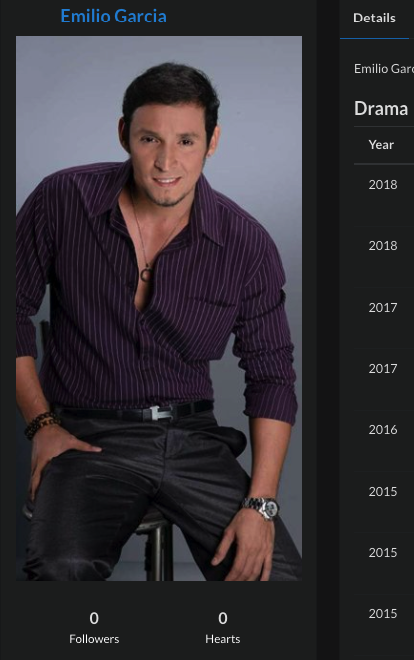
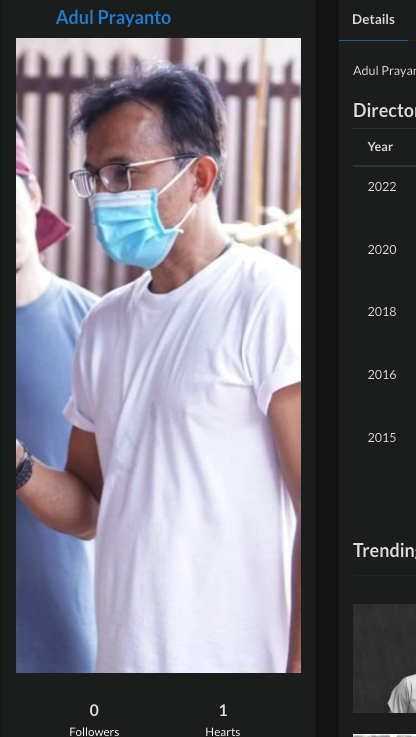
Full-Body Images
Images where the face occupies only a small portion of the frame.
| 
| 
|
| 
| 
|
| 
| 
|
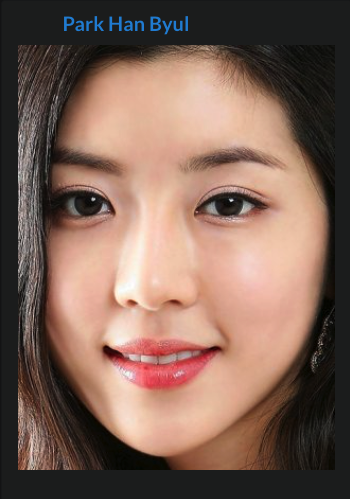
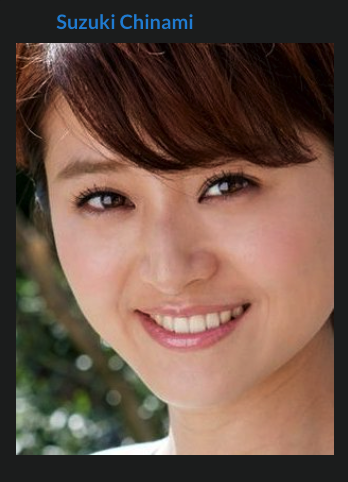
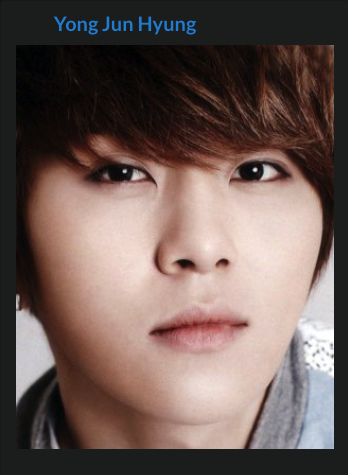
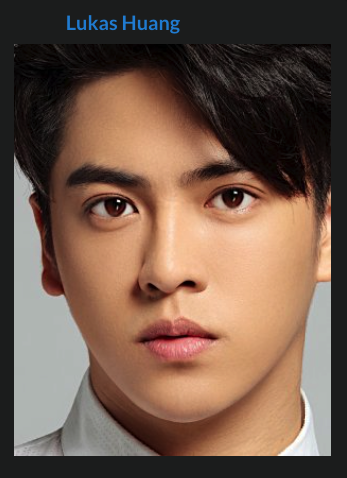
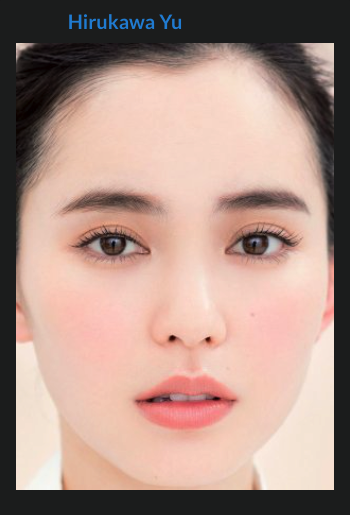
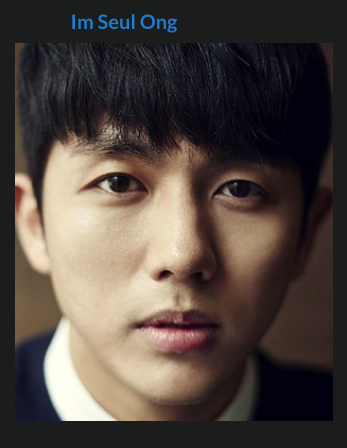
Extreme Close-Ups
Images cropped so tightly that significant portions of the head are cut off.
| 
| 
|
| 
| 
|
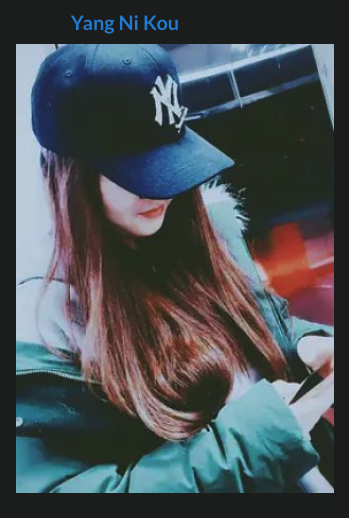
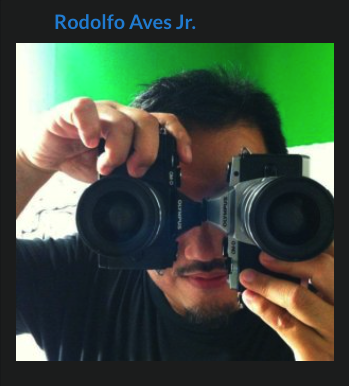
Obstructed Faces
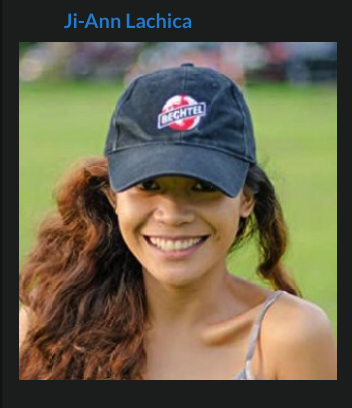
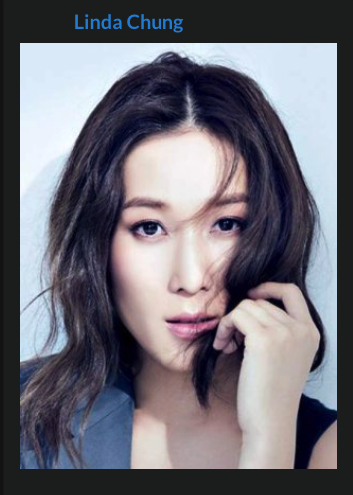
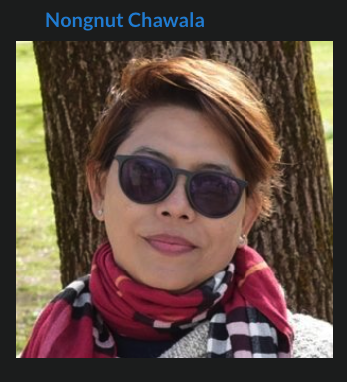
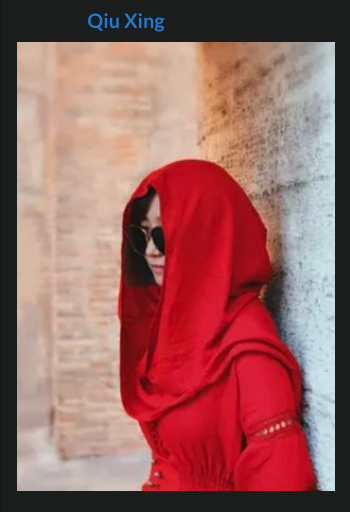
Images where facial features are hidden by accessories, hair, props, clothing, hands, shadows, or other objects.
| 
| 
|
| 
| 
|
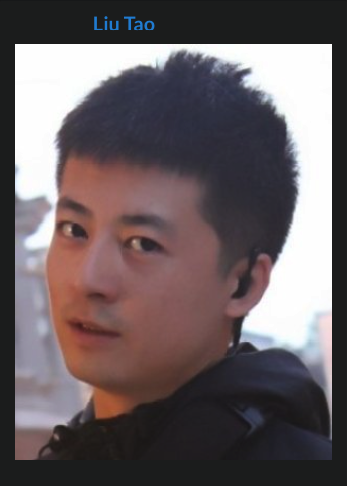
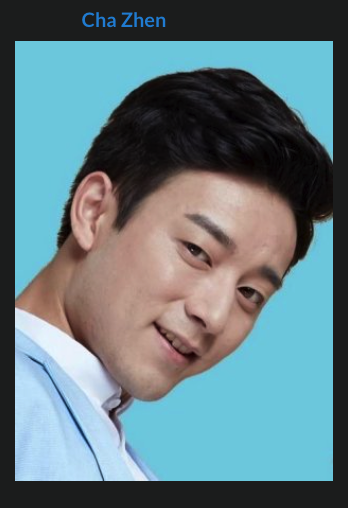
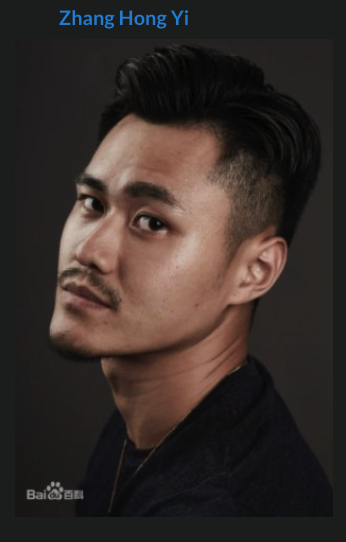
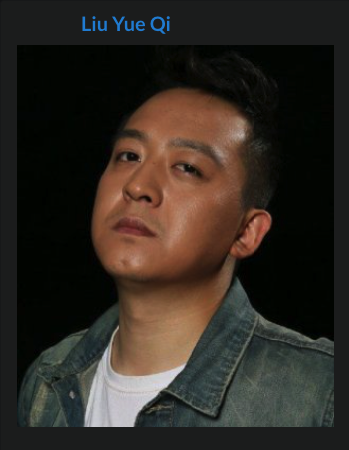
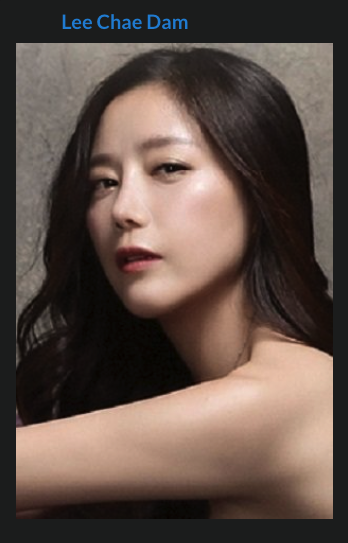
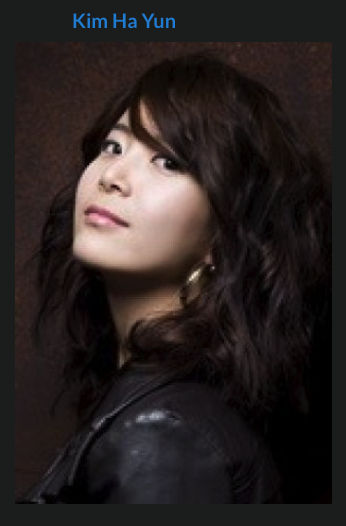
Side Profiles and Extreme Angles
Images where the face is not clearly visible or recognizable.
| 
| 
|
| 
| 
|
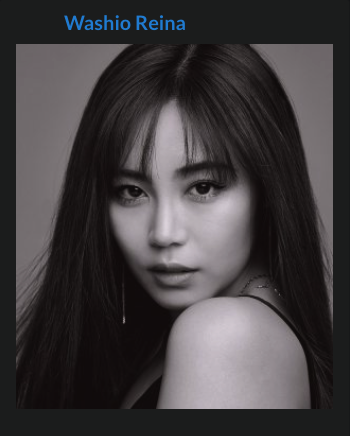
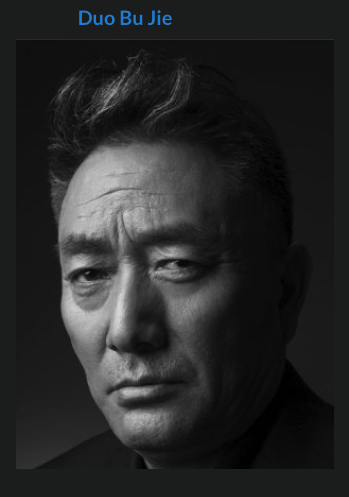
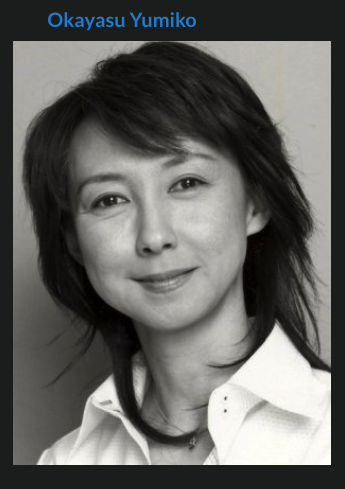
Black-and-White Images
Color images are preferred whenever suitable alternatives exist.
| 
| 
|
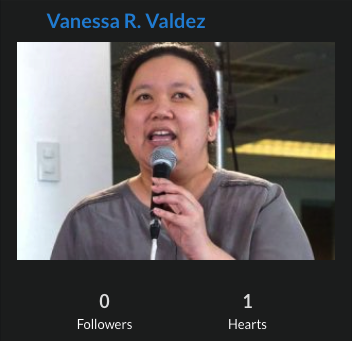
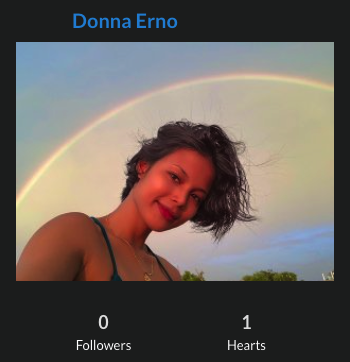
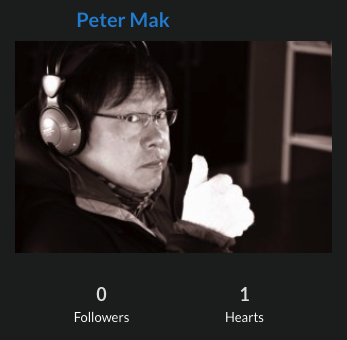
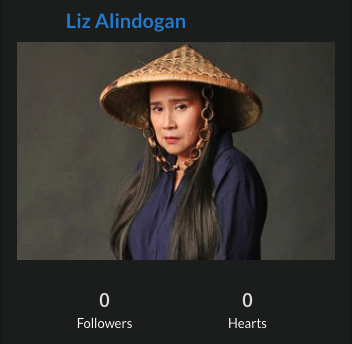
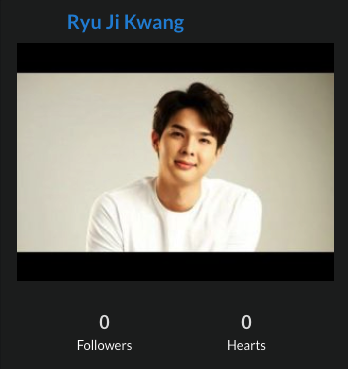
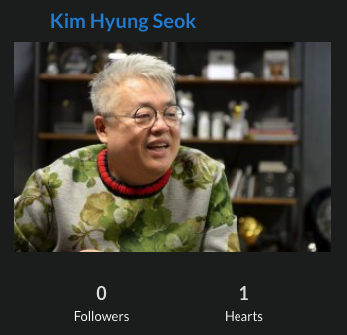
Landscape-Oriented Images
Images that are significantly wider than they are tall.
| 
| 
|
| 
| 
|
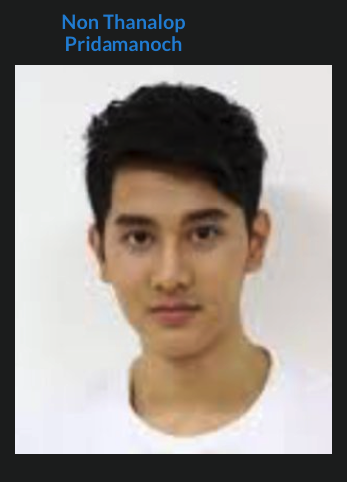
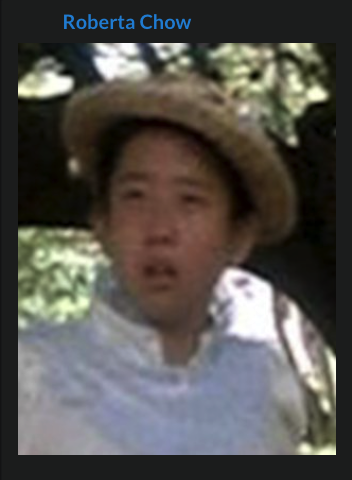
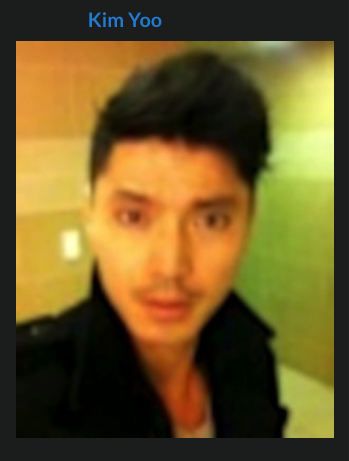
Low-Quality Images
Images that are blurry, pixelated, heavily compressed, distorted, or too small.
| 
| 
|
| 
| 
|
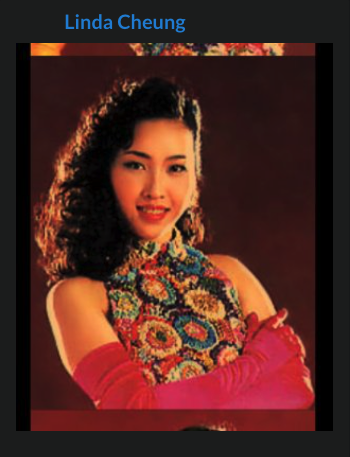
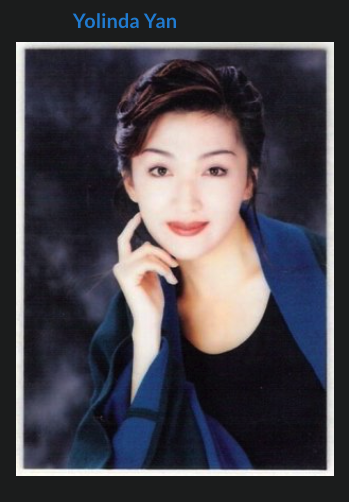
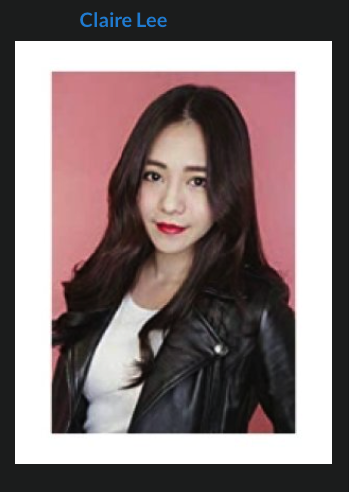
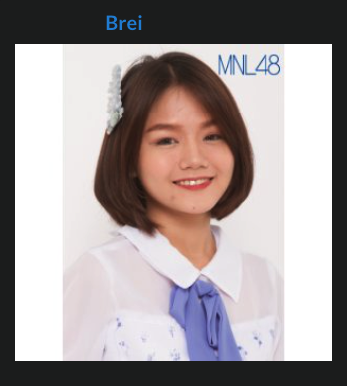
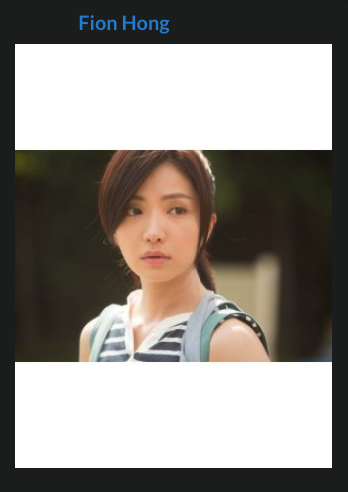
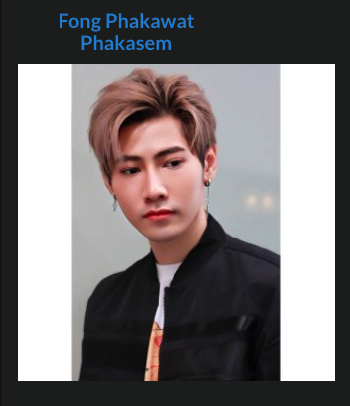
Images with Borders
Images containing decorative borders, frames, or embedded layouts.
| 
| 
|
| 
| 
|
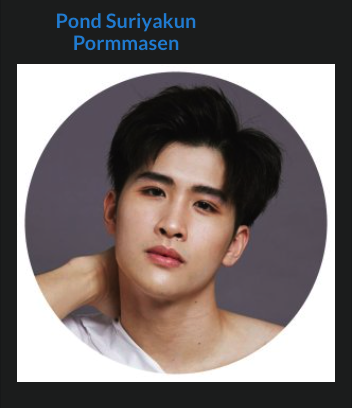
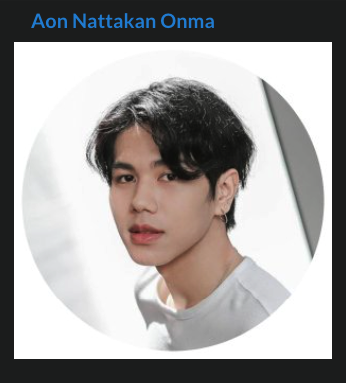
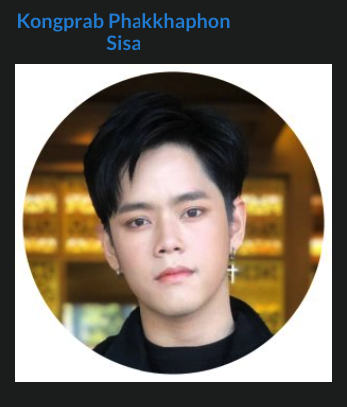
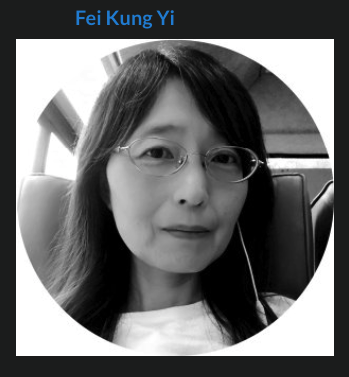
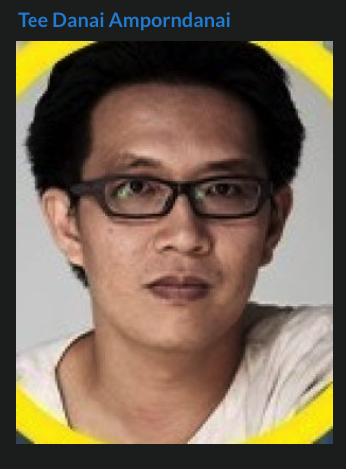
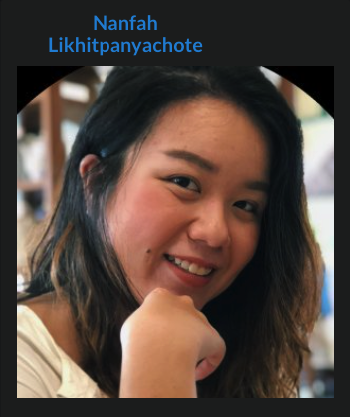
Circular Crops
Images where large portions of the background are removed by a circular crop.
| 
| 
|
| 
| 
|
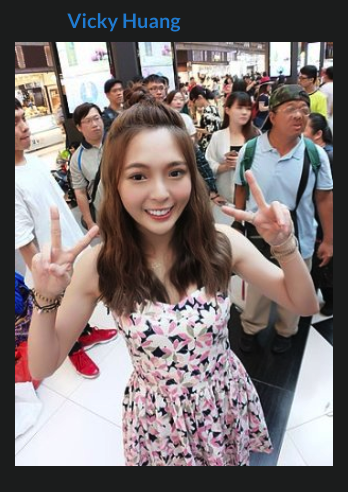
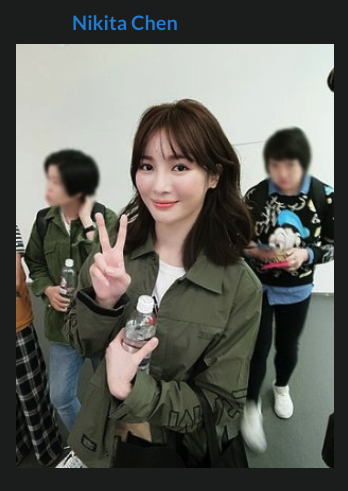
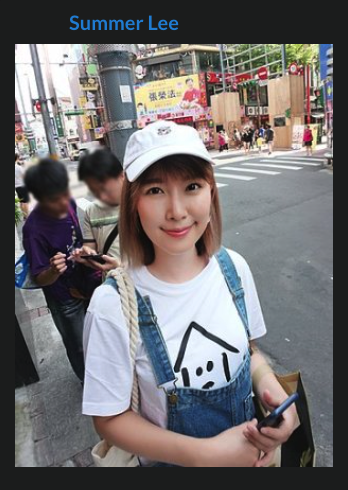
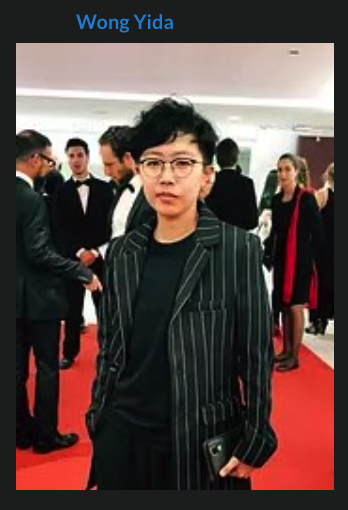
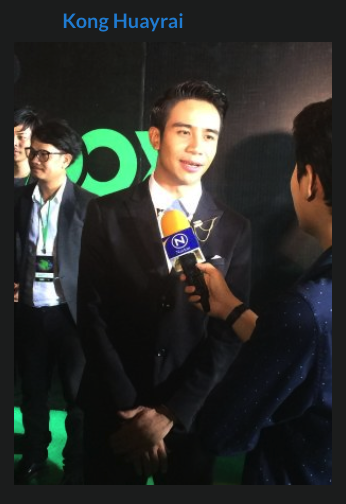
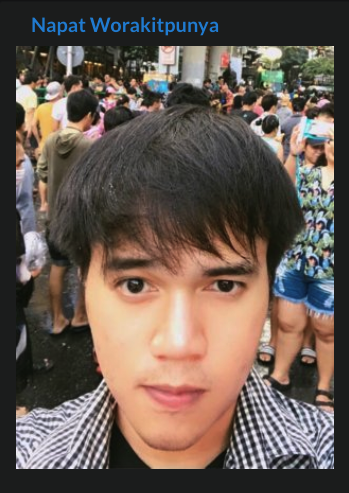
Crowded or Distracting Backgrounds
Images where the focus is lost due to other people, busy scenery, or distracting elements.
| 
| 
|
| 
| 
|
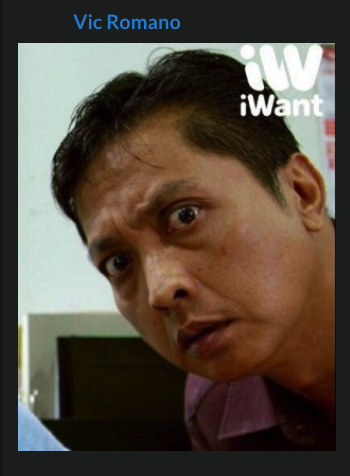
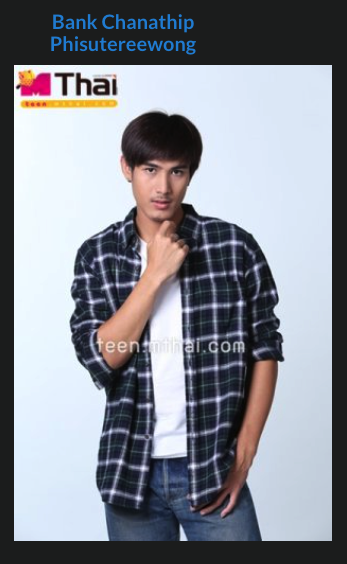
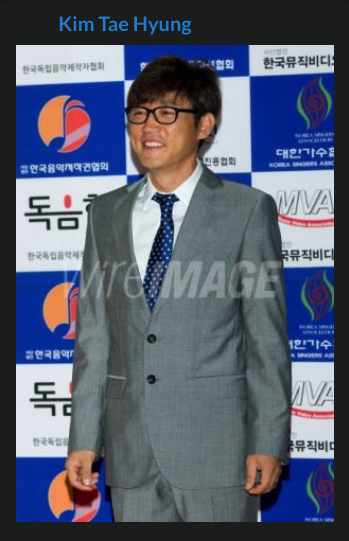
Images with Watermarks or Text
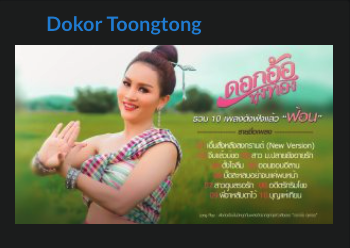
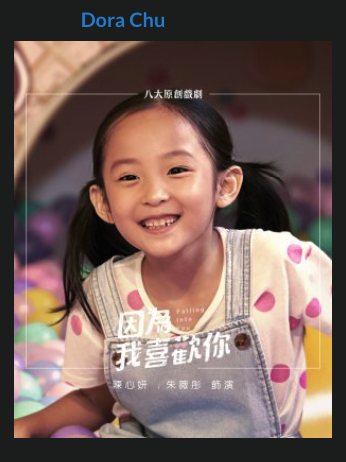
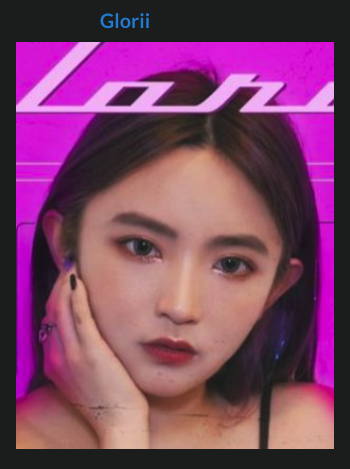
Images containing visible watermarks, logos, subtitles, or text overlays.
| 
| 
|
 | 
| 
|
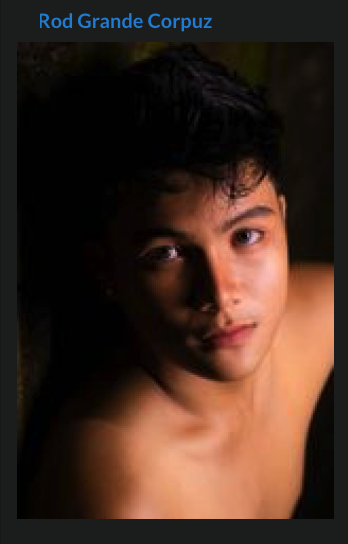
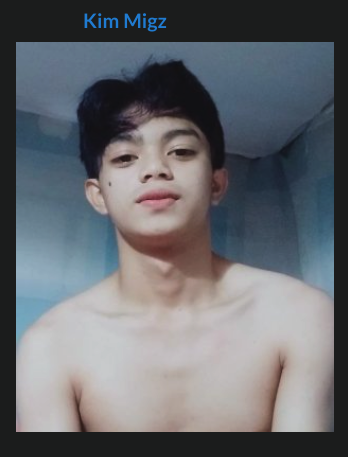
Body-Focused Images
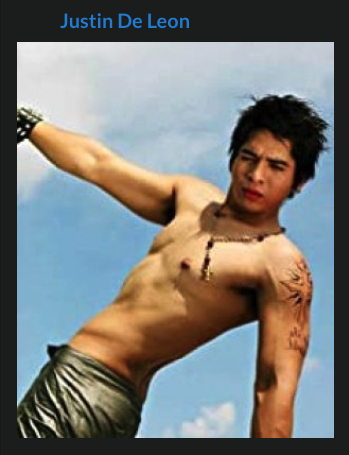
Images where the primary focus is the body rather than the face, including nude or partially nude photographs.
| 
| 
|
AI-Generated or Heavily Manipulated Images
AI-generated images, AI face replacements, or heavily altered images that do not accurately represent the person's appearance should not be used.
Reasons to Replace an Existing Profile Image
An existing profile image may be replaced if:
The image is of low quality.
The image is blurry, pixelated, or heavily compressed.
The image contains watermarks or text.
The image is improperly cropped.
The image no longer accurately represents the person's appearance.
The image depicts the wrong person.
A significantly better image that meets all profile image requirements is available.
Exceptions and Alternative Images
Not every person in the database will have a professional headshot or official profile photo available.
For older actors, crew members, writers, directors, producers, and other industry figures, it may be necessary to use the best available image, even if it does not meet all profile photo recommendations.
When choosing between a representative image and the MDL default profile image, always prefer a genuine image of the person whenever possible. The goal is to identify the individual, not necessarily to achieve perfect image quality.
Acceptable alternatives may include:
Historical photographs.
Older low-resolution photographs.
Event or candid photographs.
Screenshots from interviews, documentaries, or video footage.
Images taken from official biographies or personal websites.
Long-established avatars, illustrations, or caricatures used by writers, creators, or public figures who do not publicly use photographs.
The selected image should clearly represent the individual and be recognizable as the person associated with the profile.
Minor quality issues are acceptable if no better image exists. Lower-resolution images and screenshots may be used when they are the best available option, and the person's identity can be reasonably confirmed.
When no better alternative exists, approval staff may approve the best available image even if it does not fully comply with all guidelines.
When to Use the Default Profile Image
The MDL default profile image should only be used as a last resort when:
No image of the person can be located.
The person's appearance is unknown.
Available images cannot be confidently identified as the individual.
A previously used image has been removed and no suitable replacement can be found.
Default Profile Image:
 |


