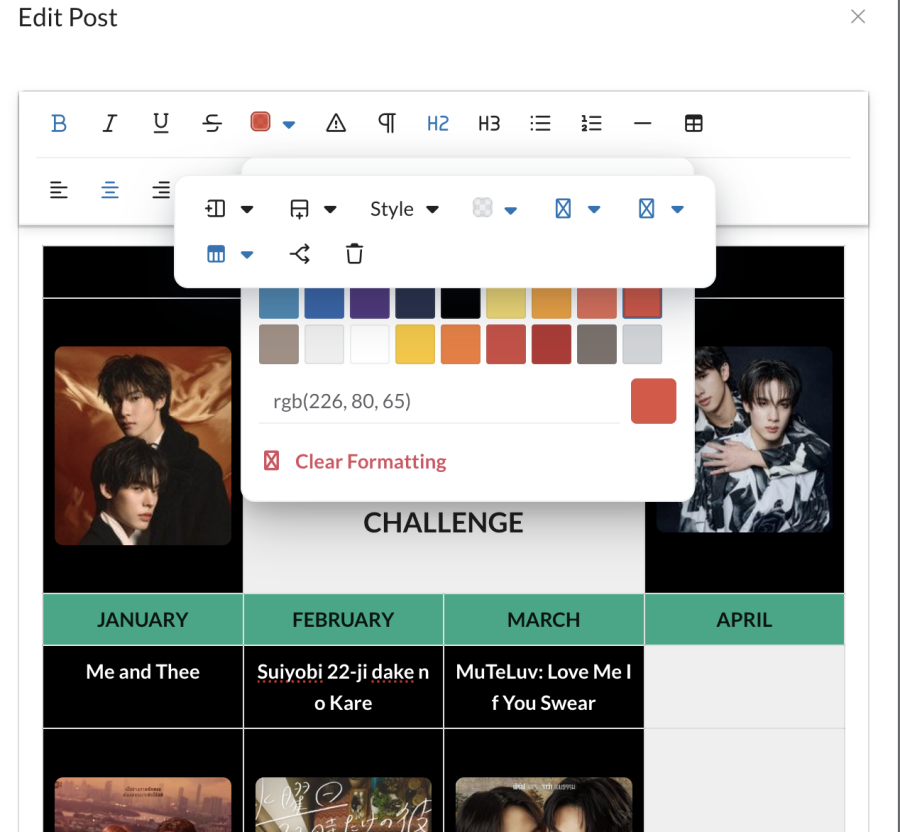
I highlighted the word "FAVORITE" which of course brings the small editor box up right away and I don't need it cuz I want to use the text color options in the main tool bar.
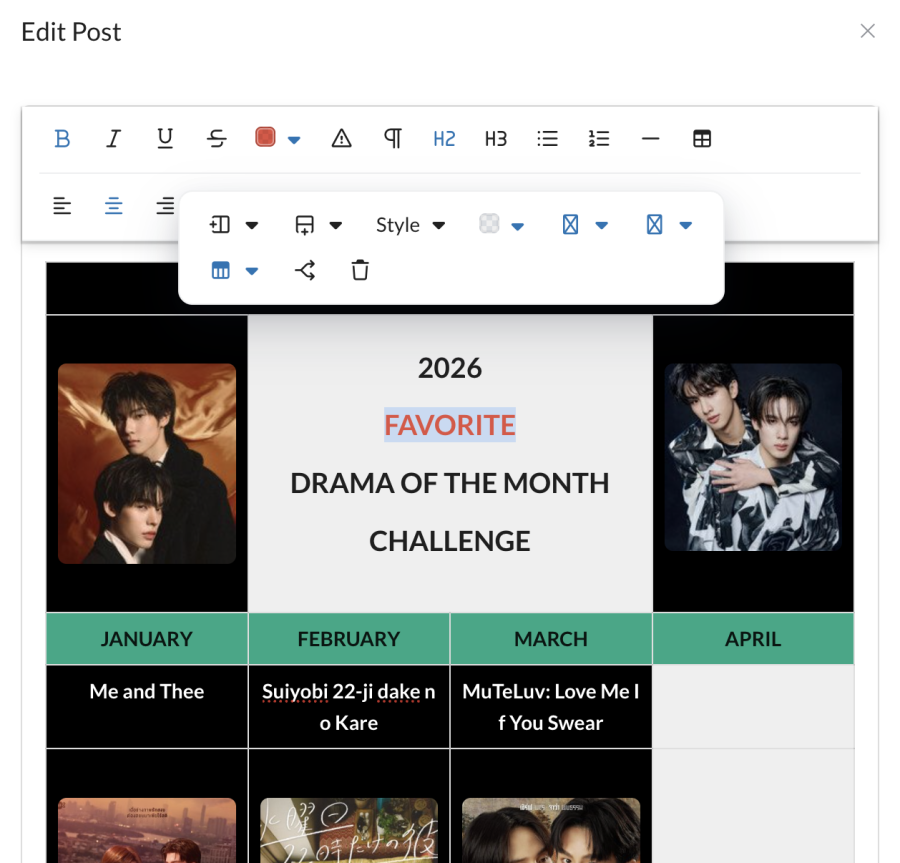
Below I clicked on the text color icon in the main tool bar but the small EDITOR BOX is still there and blocking the color option I want. I can't change the text color cuz it's BEHIND the popup box. I'm at the top of my post and can't scroll up. It doesn't work to scroll down either, until the small box is out of the way. What to do?
I want the aqua green in the top right corner of the color chart. Is there a way to add an "X" to delete the small editor box that automatically pops up every. single. time. I click in a space?