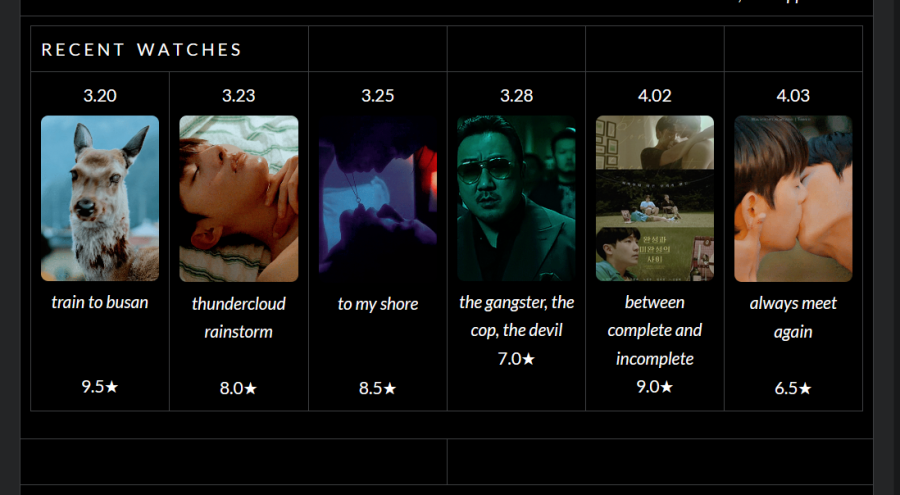
The lines for tables are now showing up in profiles and posts. Which used to be an option you could toggle on or off if I remember correctly. For example, my profile didn't have all these lines visible in the final product before, the were only there when I was editing in settings.
The corners on images and gifs are also rounded, even when that option hasn't been selected in the settings for the image.
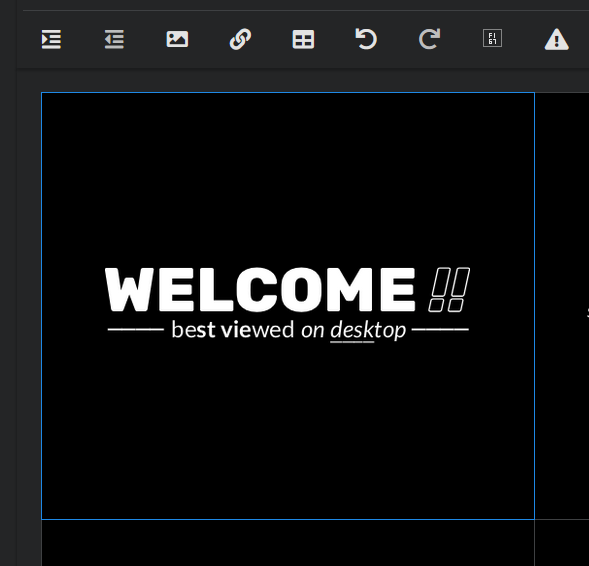
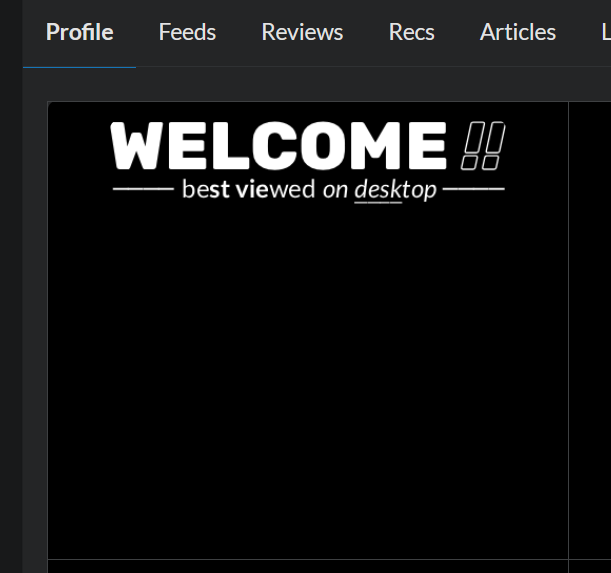
Some elements are also centering weird. For example, this graphic at the top of my profile was previously centered in the middle on the box. It still looks that way when I'm editing but when I save and exit out to my profile, it's floating at the top for some reason.
Really hoping this is all some sort of bug or mistake. My profile and challenge charts all look busted 🥲
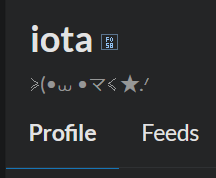
Also it seems like many of the symbols and icons used on the site are currently broken. For example, the verified user icon is showing up like this instead.
Many other symbols (the heart button for liking posts/lists, page arrows, etc) on the site are doing this too. [edit: these seem to be fixed already! 👍]
I'm having the all same problems... I also just edited my OST watch challenge and suddenly the table cells have no color, and I can't type under inserted images. Also some symbols when editing just don't appear at all. Same with my watchlist and custom lists :/
Edit: also linking images doesn't work for me either...
Are there any other issues left? Soon the new editor will be replaced for profile too.
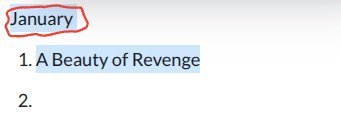
Yeah, Whenever I try to center the part that I circled. It highlights everything else and whenever I try to embed a link in something it does the same thing.
Soon the new editor will be replaced for profile too.
Oh man not looking forward to it. 😔
I'm wondering what the paragraph (?) tool is doing cuz nothing happens when I click on it. No options, nothing. The icon that's the 7th position from the left on top row.
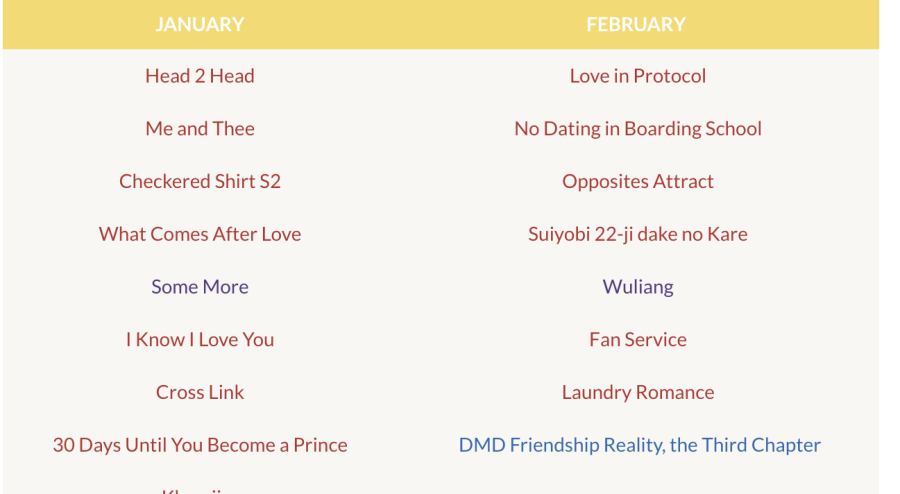
I used to be able to get my lines close together on a list but now they are spaced further apart like below.
I would highlight two lines and go up to click the paragraph thingie and select "normal". That would close the space and save on room by making the list shorter.
I'm wondering what the paragraph (?) tool is doing cuz nothing happens when I click on it. No options, nothing. The icon that's the 7th position from the left on top row.
I used to be able to get my lines close together on a list but now they are spaced further apart like below.
Same. The new editor is completely unusable for me because I am using Google Chrome because I am on a Chromebook and I can't use a different browser because it causes my computer to freeze and lag.
I use Chrome too, on my macbook. Always have since on MDL and never had issues. Maybe it'll get better...
I'm wondering what the paragraph (?) tool is doing cuz nothing happens when I click on it. No options, nothing. The icon that's the 7th position from the left on top row.
I used to be able to get my lines close together on a list but now they are spaced further apart like below.
Same. The new editor is completely unusable for me because I am using Google Chrome because I am on a Chromebook and I can't use a different browser because it causes my computer to freeze and lag.
I use Chrome too, on my macbook. Always have since on MDL and never had issues. Maybe it'll get better...
Hopefully but for right now. I think I just won't use it to make my challenges colorful and pretty.






 Alex:
Alex:

