MadiHawkins:
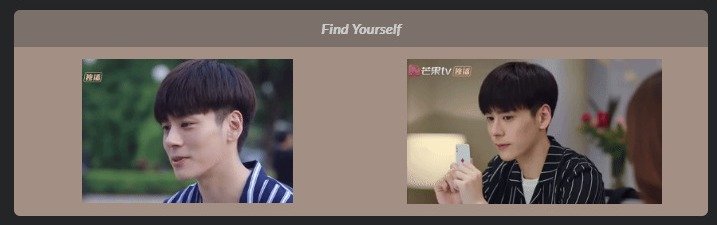
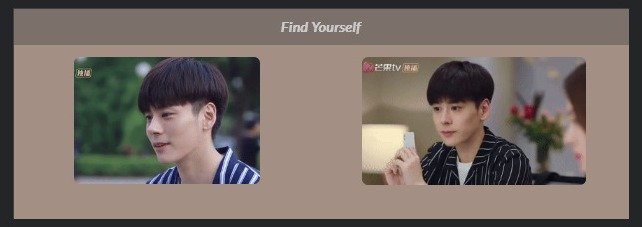
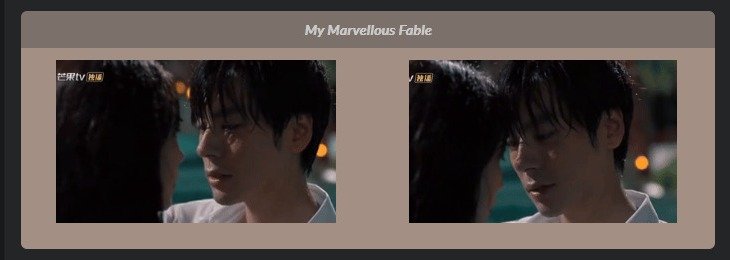
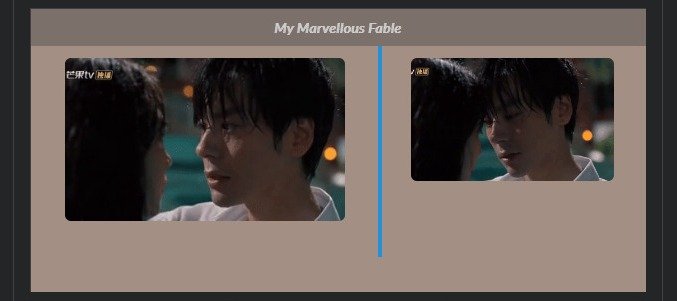
inserted one new gif image - the action somehow affected other gifs uploaded long time ago, and now all images have random sizes on my profile page
I understand now. The moment I started editing and removed one element (deleted 2 old pics in the table) and added a new one (put one new gif image in that place), the whole structure got broken.
I tried to patch it yesterday. I'm not going to build the profile page from the ground. All the text and background formatting is still there, I don't want to tamper with it.
So I:
- uploaded all gifs once again to an external hosting site to get new urls
- deleted all gif images in the profile
- inserted images one by one (with a new url)
- resized each image by specifying width percentage
It didn't help.
The strangest thing, the result in the edit mode and on the profile page is still something different. It's a neat layout with properly resized images on the settings page, and broken images on the public profile (not resized or not properly resized).
I understand there is no (immediate) solution to the current situation that we're having here now. I'm not writing to complain or to press the admins. Just sharing my experience.

 News
News